Invite someone to join your Siteboon account. An invitation is for your account workspace, so check that you intend to give the recipient access before sending it.
Open Team Members
- From Your Sites, select Account Settings in the sidebar.
- Select Team Members.
- Select Invite User to open the invitation form.
Send the invitation
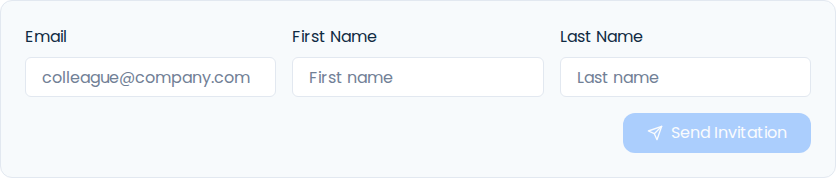
- In Email, enter the address your teammate will use to join.
- Enter their First Name and Last Name.
- Check the email address, then select Send Invitation.
- Wait for Invite sent successfully. If an error appears, resolve it before sending another invitation.
Have your teammate join
- Ask your teammate to open the invitation email.
- They should follow its invitation link and complete the sign-up or sign-in steps using the invited email address.
- Return to Team Members and review the member list after they join.
If the email does not arrive
- Check that the entered address is correct.
- Ask the recipient to check their spam or junk folder.
- Check whether Siteboon showed a successful send or an error before trying again.